
Mission states
A mission on the lobby goes through states: Waiting → Lobby → Briefing → Game → Results. An administrator switches them, the current one is highlighted in the bar at the top of the screen, and under it is the time since the state started. The mission name and author in the top left corner come from the mission header.
This page is an overview of what a player gets. How it is set up is in the reference.
Waiting
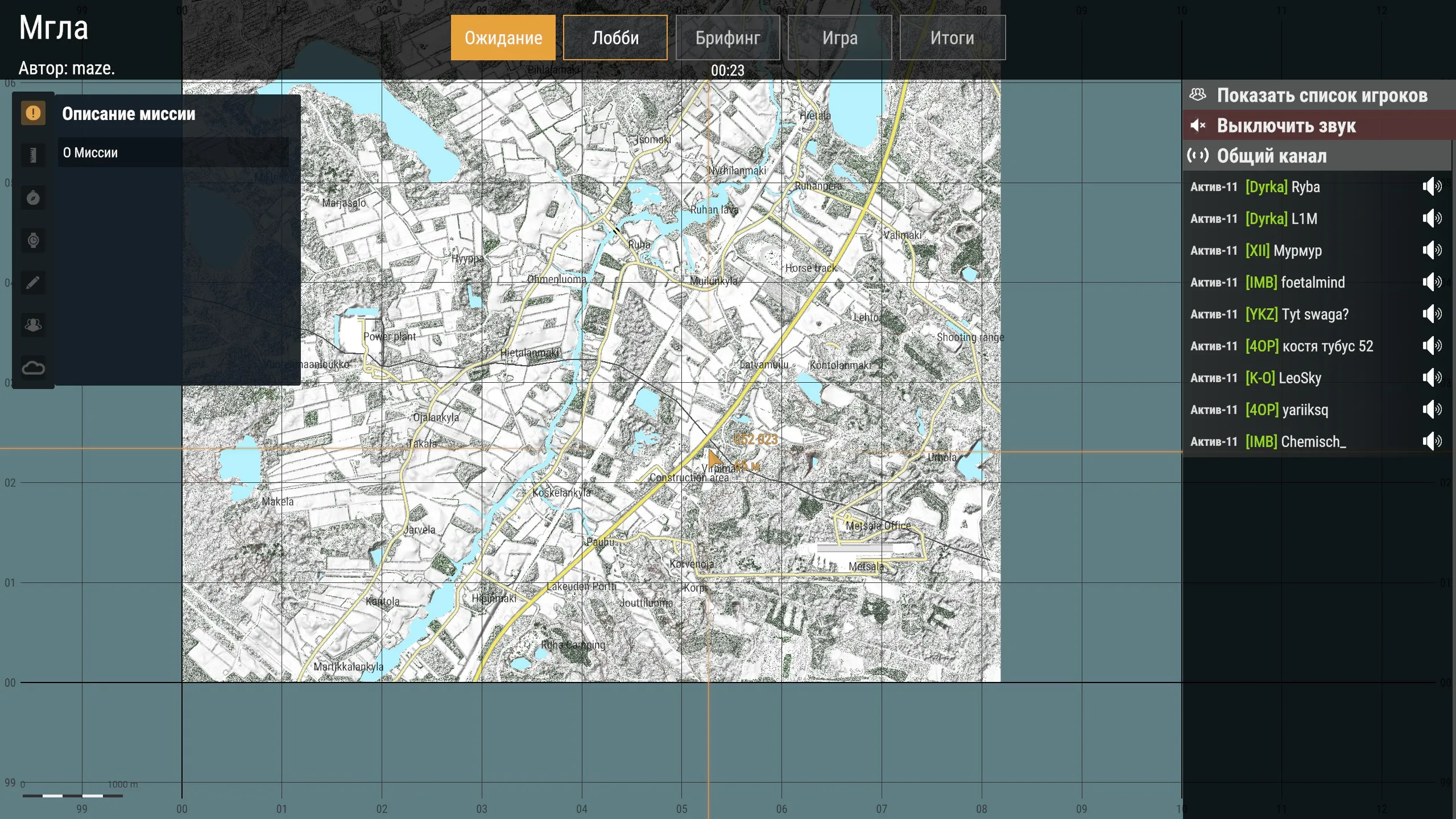
Section titled “Waiting”The server waits for players. The mission map and its description are open — the briefing can be read in advance. On the right are the player list and the voice channels.
Taking slots. On the left are the factions with a counter of taken places, in the middle the groups and their slots, on the right the character of the selected slot with their gear and the player list.
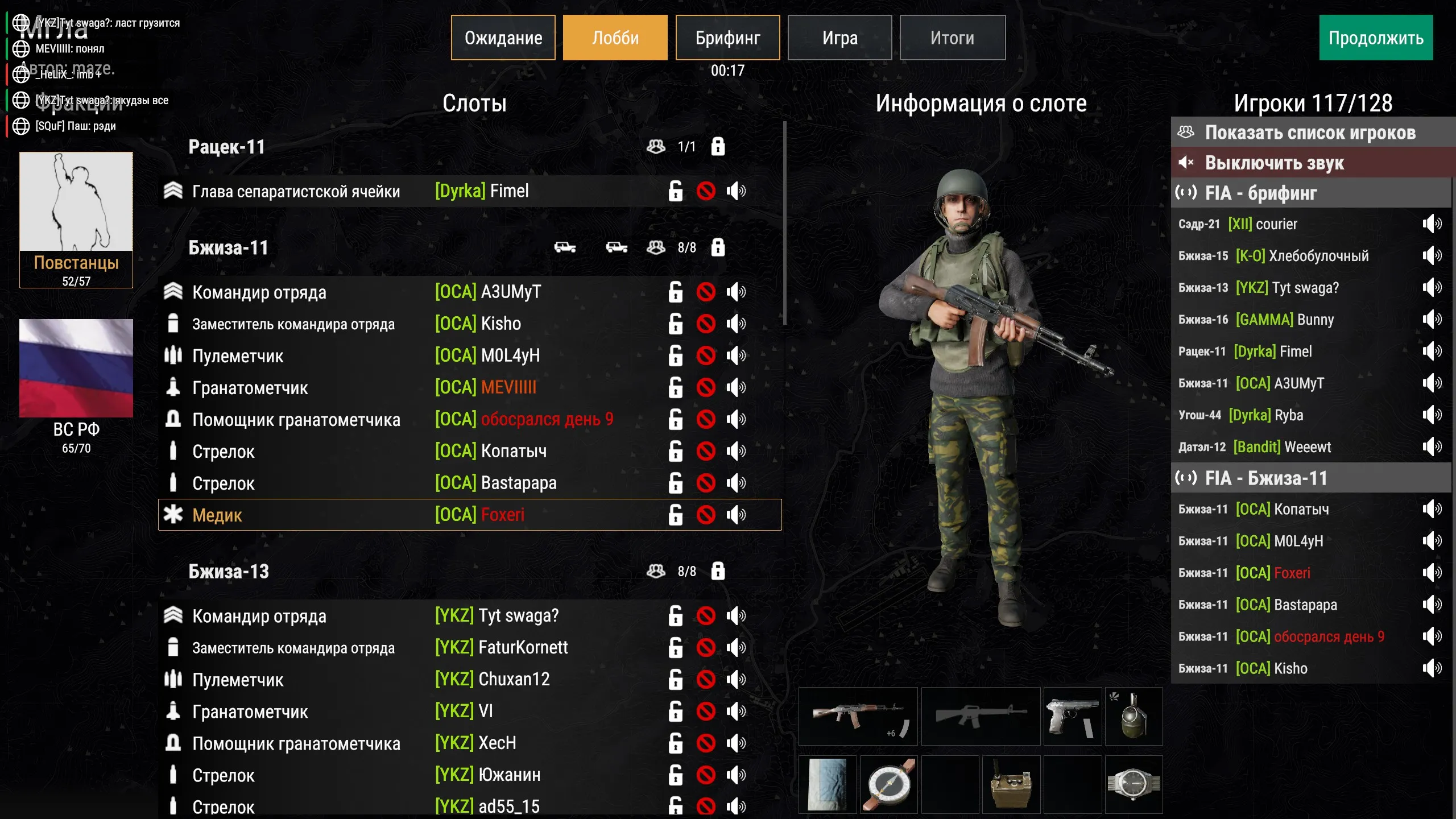
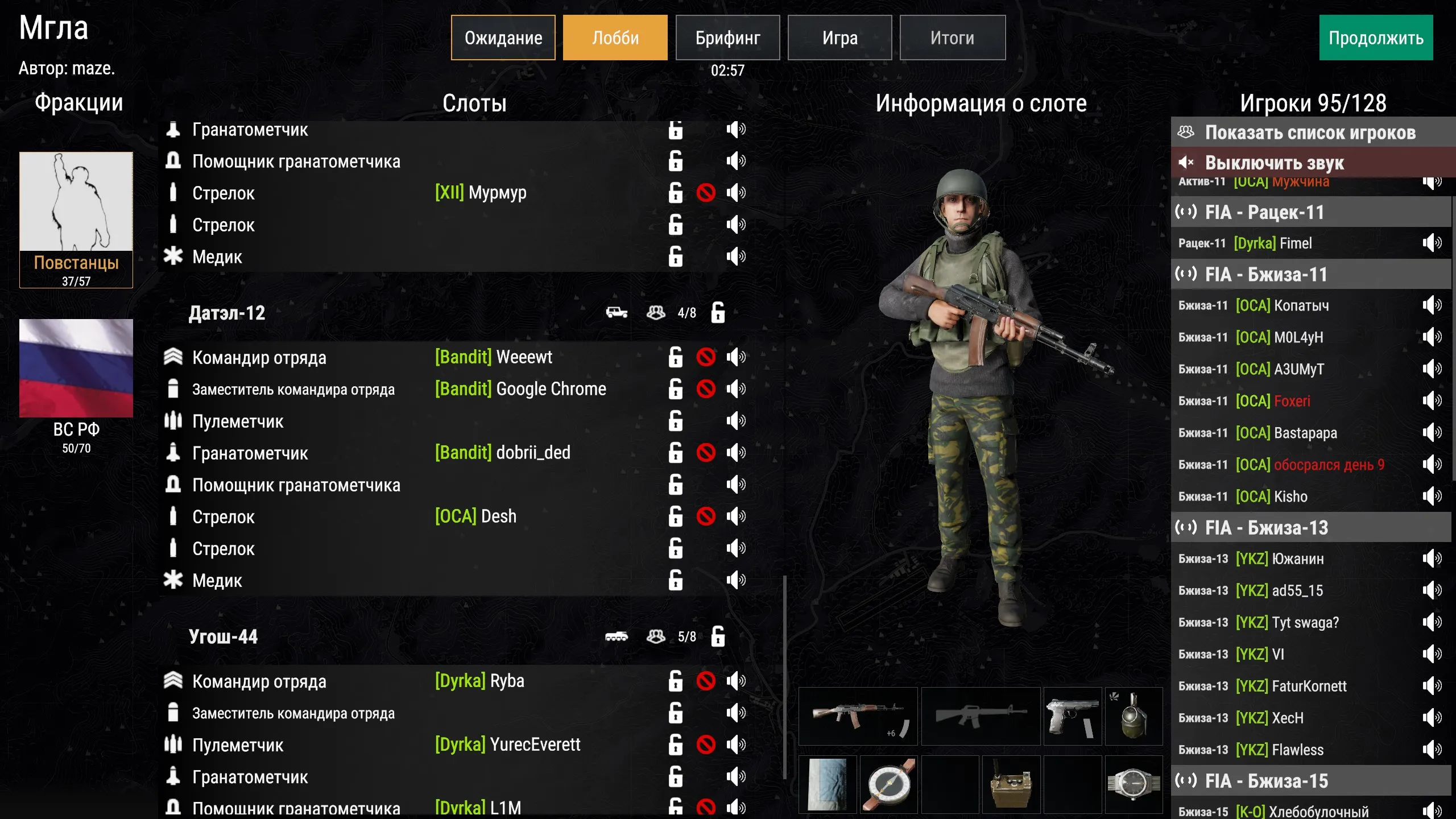
A group’s row shows its callsign and name, how many places are taken and which vehicles are assigned to it. The slots themselves are characters placed in the world: see Groups and slots.
A padlock in the group’s row means the group is closed and its places cannot be taken. Administrators close groups.
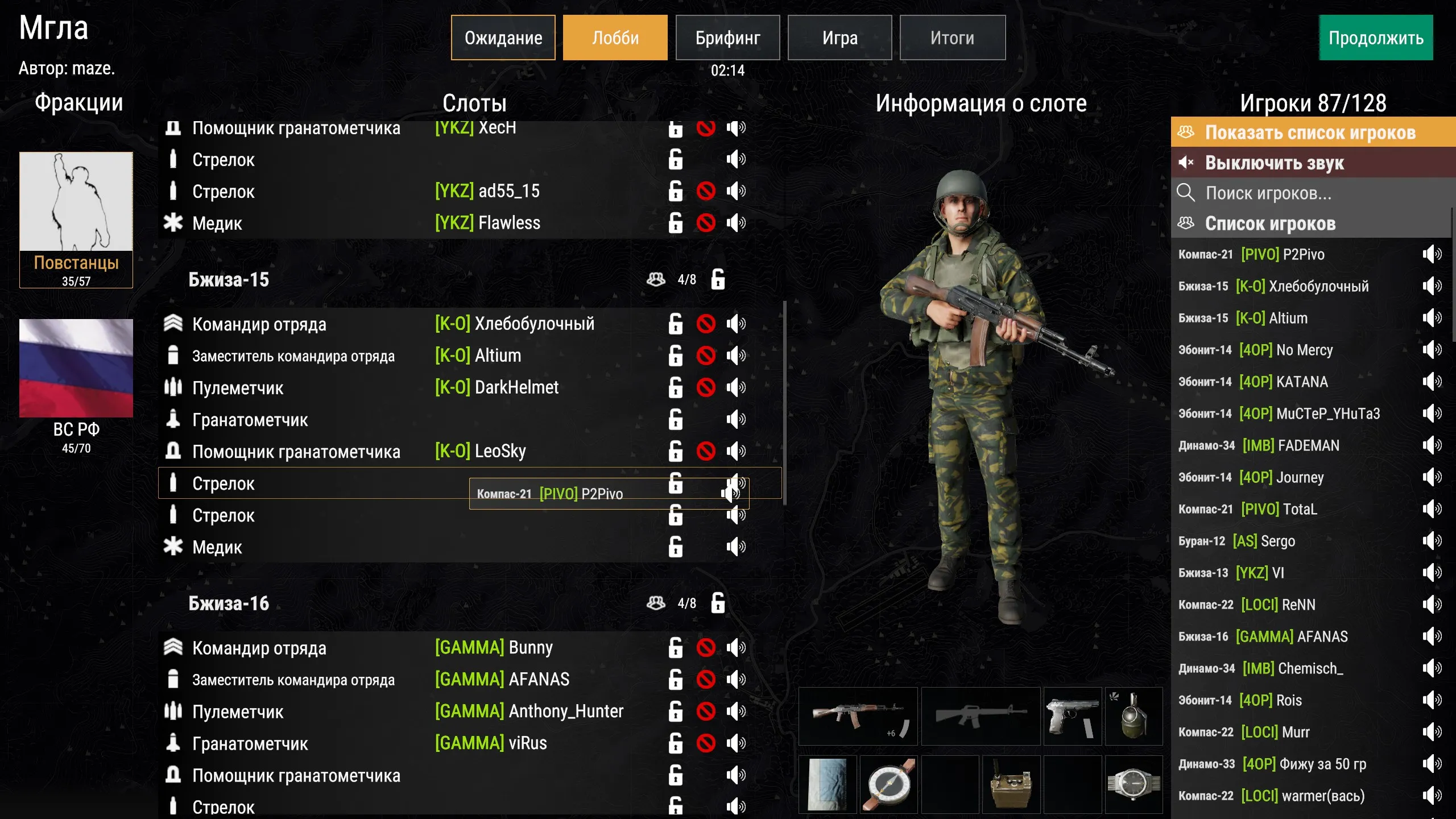
An administrator can drag a player from the list onto a slot — the player doesn’t have to find a place themselves.
Briefing
Section titled “Briefing”Players are on their slots and study the map: icons, zones and the sections of the mission description on the left.
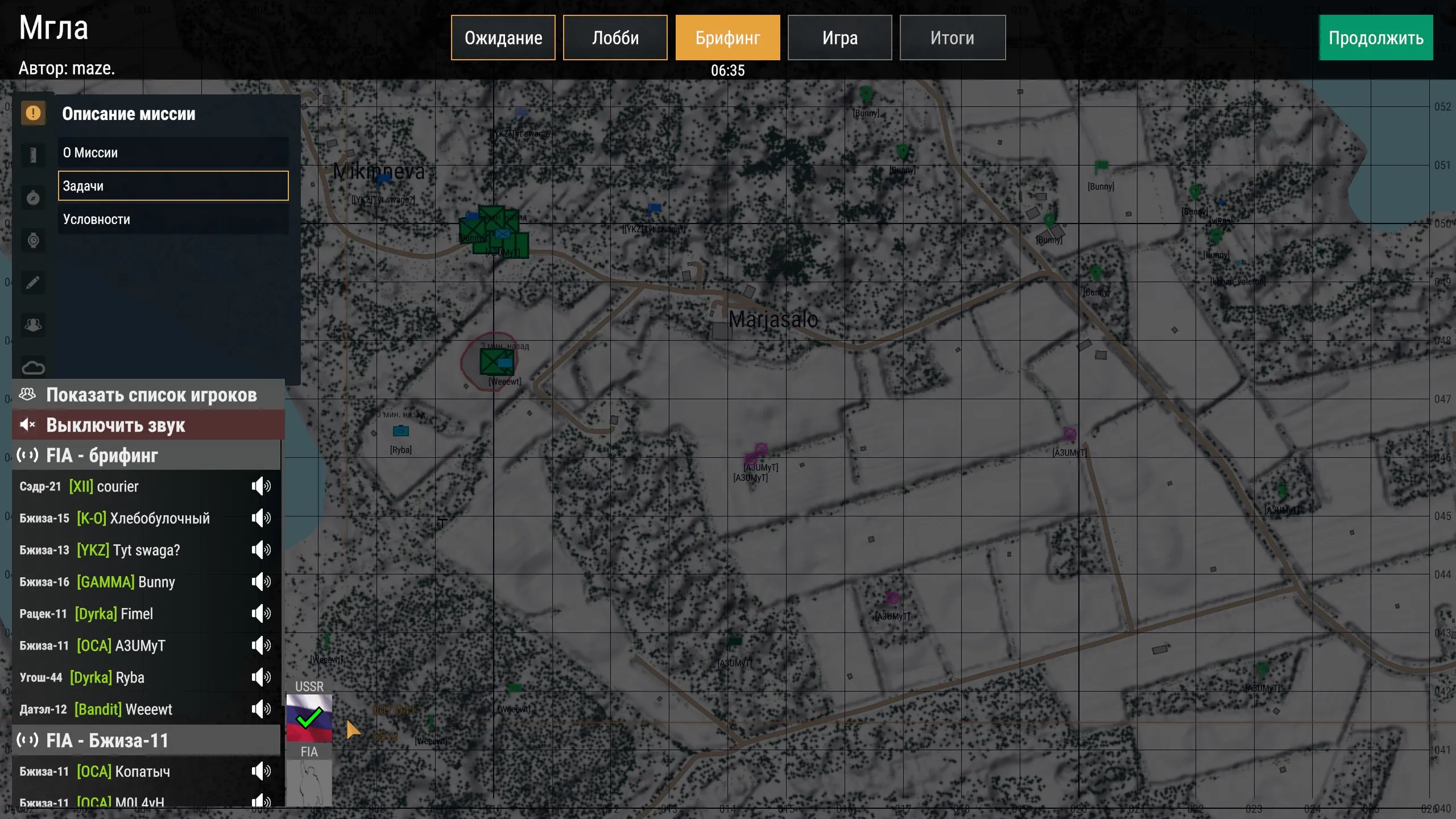
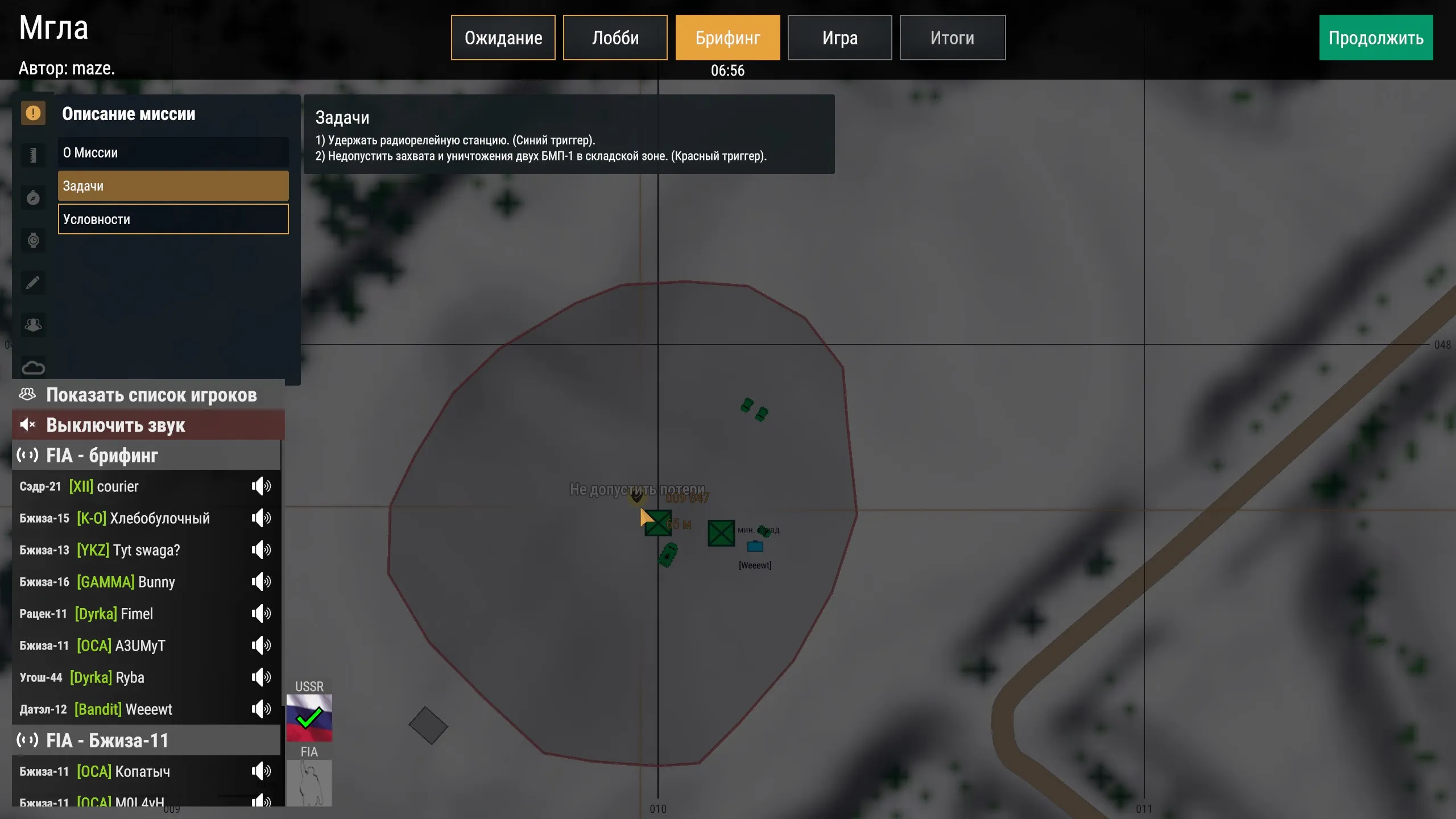
A description section opens over the map. This is also where the side commanders mark their readiness and, if the mission has spawns, pick the start positions of their squads.
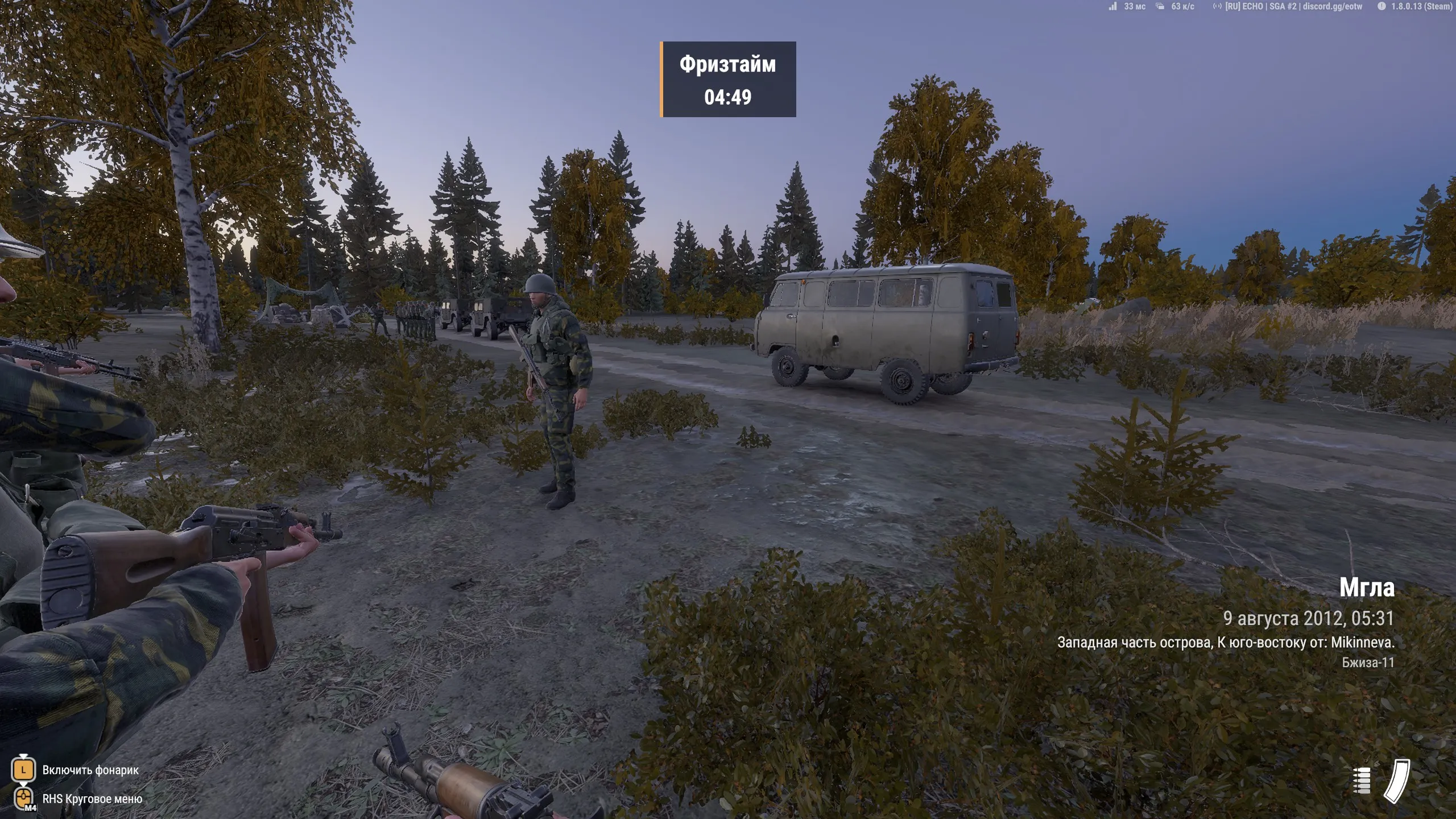
Players get control of their characters. While freezetime lasts, a timer hangs at the top and leaving the zone is deadly. At the bottom right is the intro: the mission, the date and time, the location and the callsign of your group.
Results
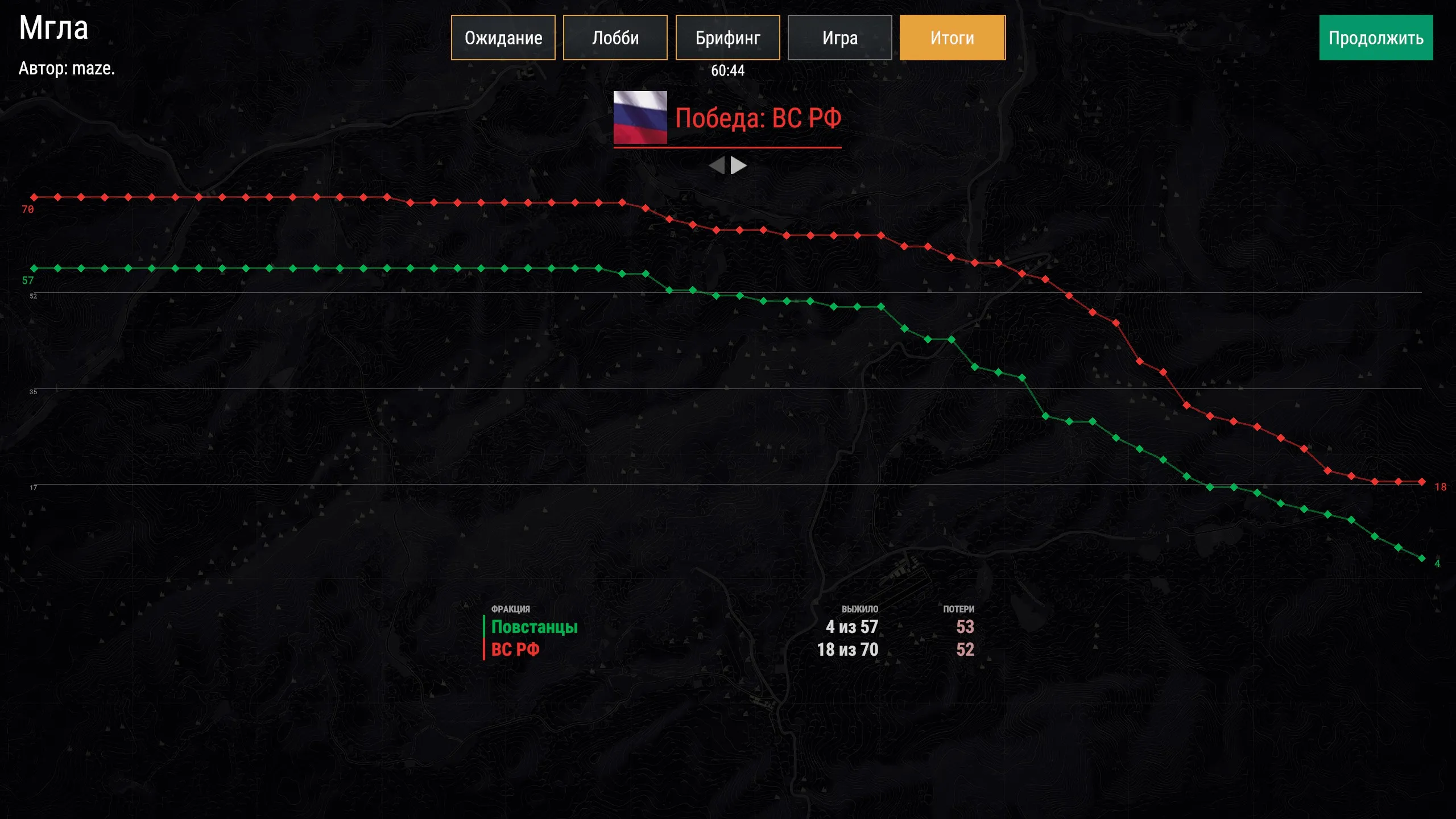
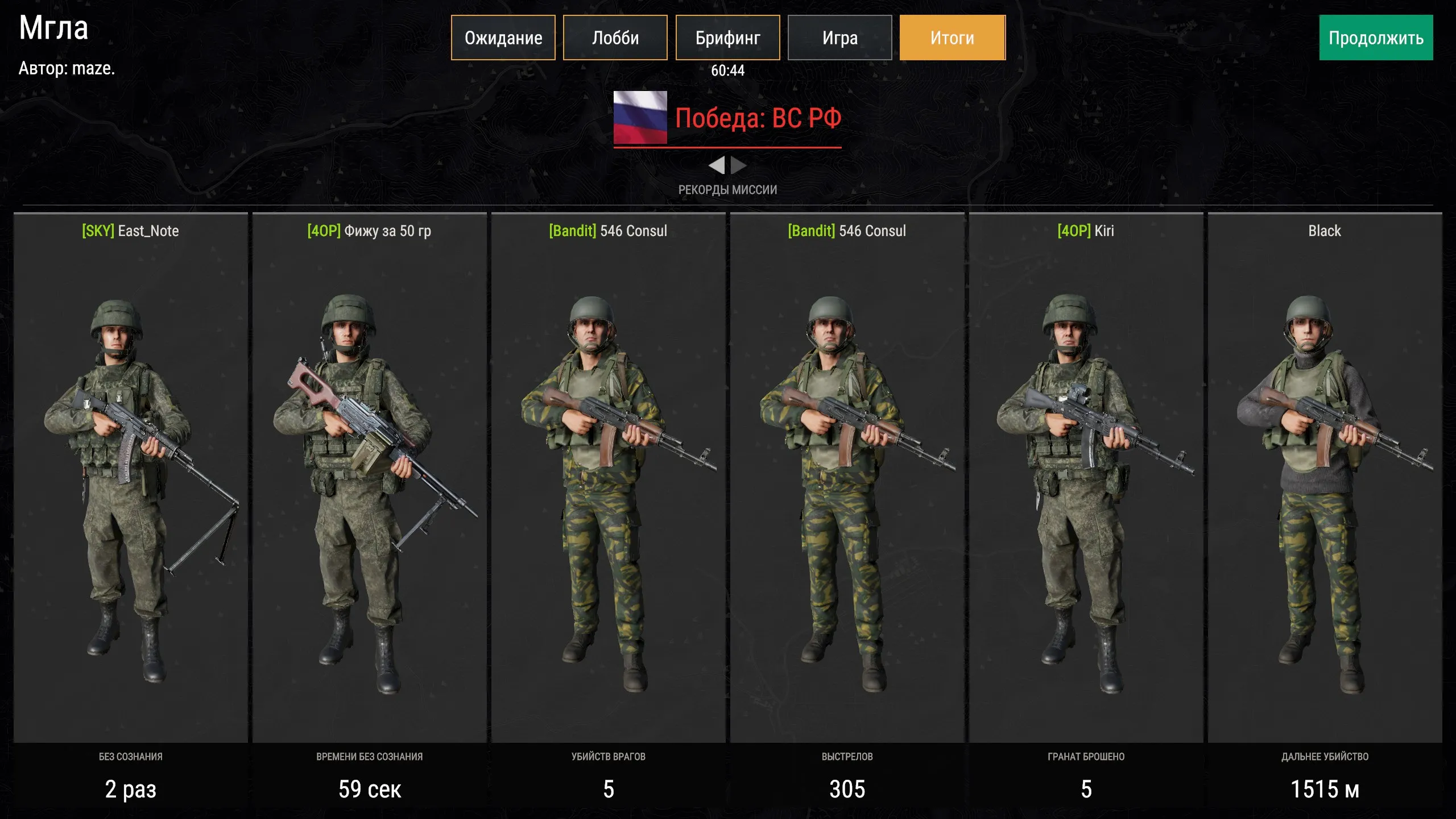
Section titled “Results”After the game the outcome is shown. The first screen has the curves of surviving players of each side over the whole mission and the final score.
Then come the mission records: most kills, shots, grenades thrown, the longest kill.
Spectating
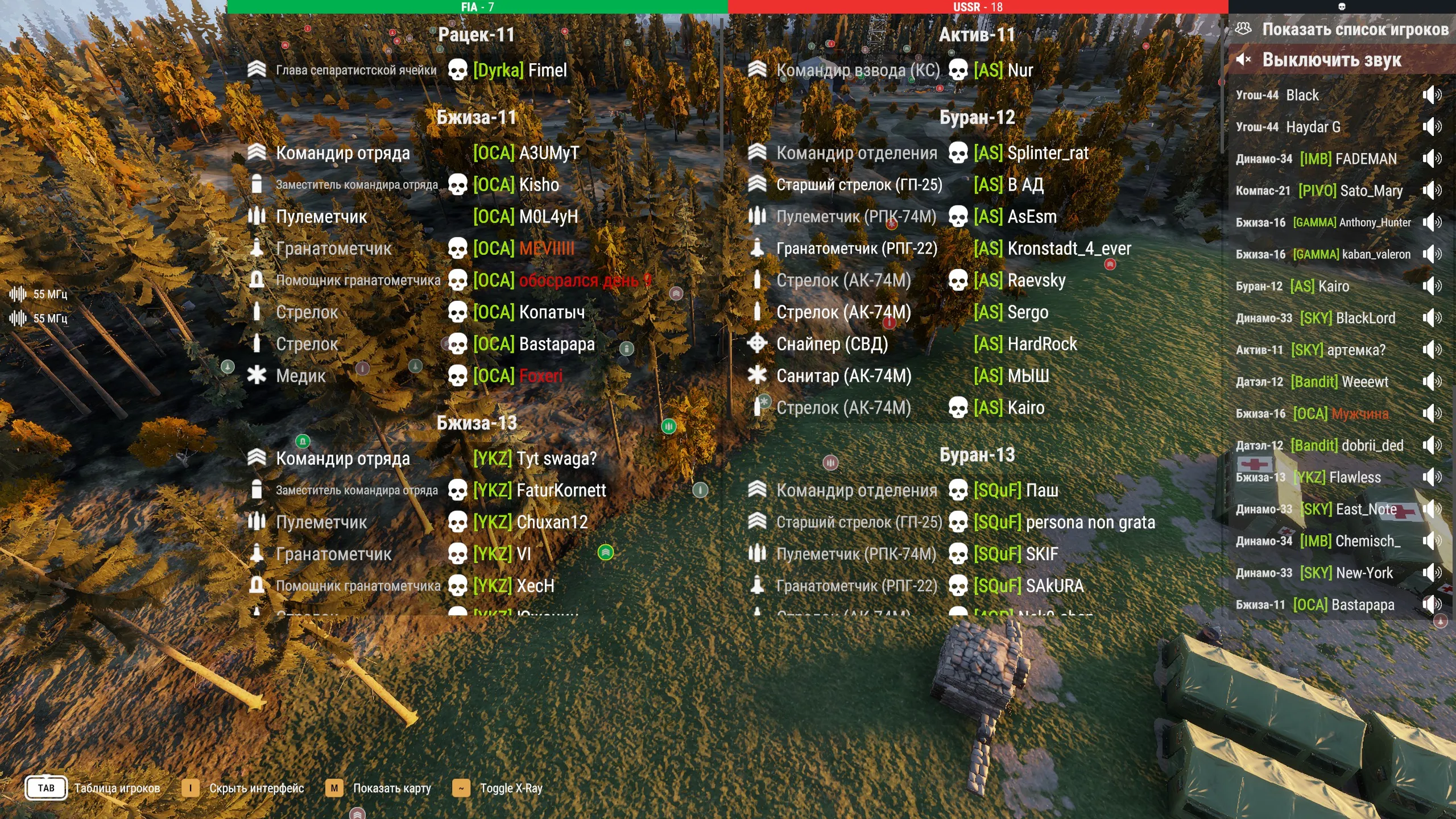
Section titled “Spectating”Killed players don’t leave the mission: they switch between players in the table and watch the fight with a free camera or through a player’s eyes. In detail — in Administration.
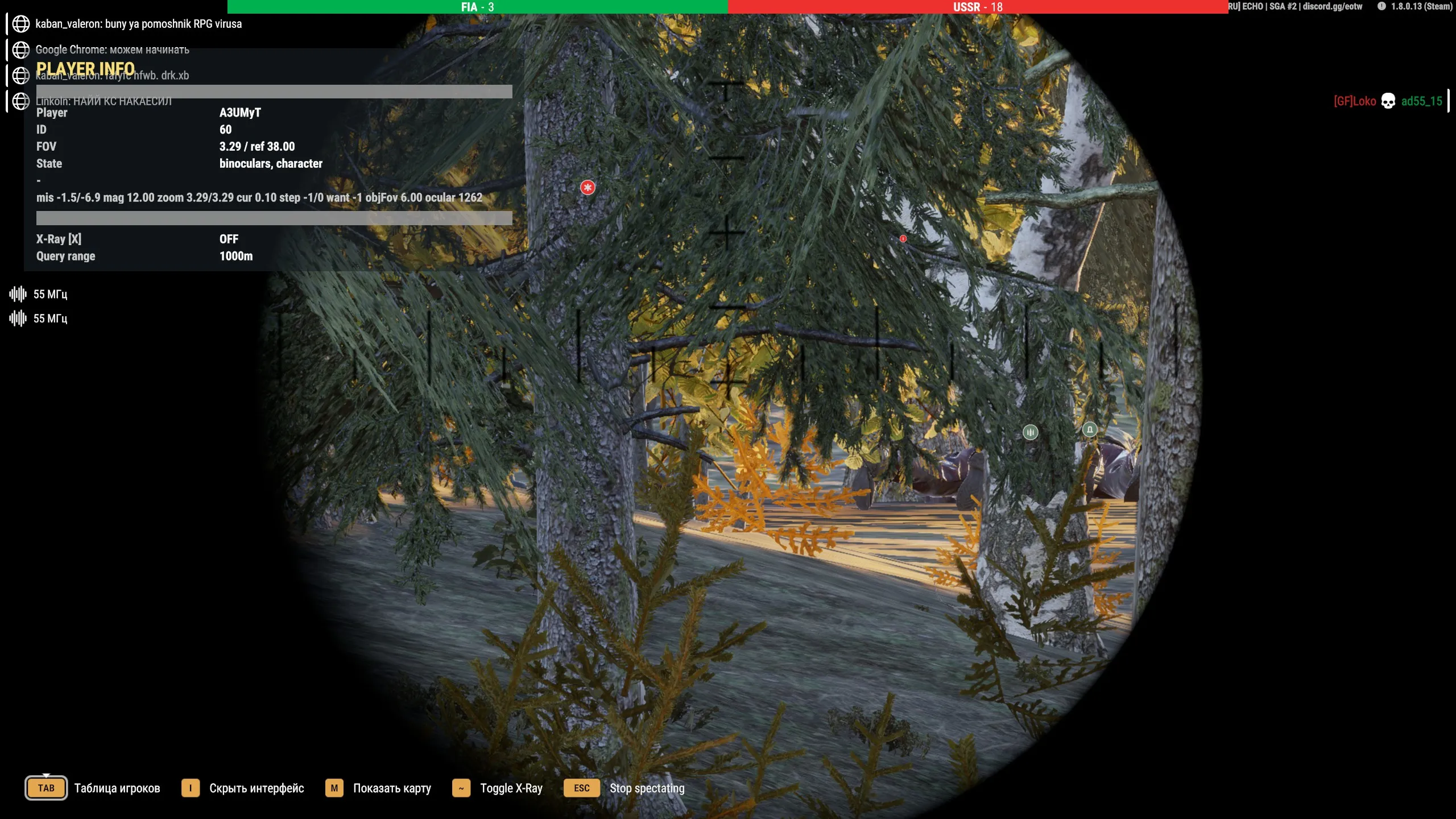
In first person you see exactly what the player sees, down to their sight.
See also
Section titled “See also”- Quick start — build a mission like this
- Gamemode settings
- Administration